
Managed IT
IT support that also owns the network.
Most IT providers manage your computers and hope somebody else's network holds up. We design, install and manage both — which is why our troubleshooting does not stop at the edge of the switch.
Talk with us about Managed IT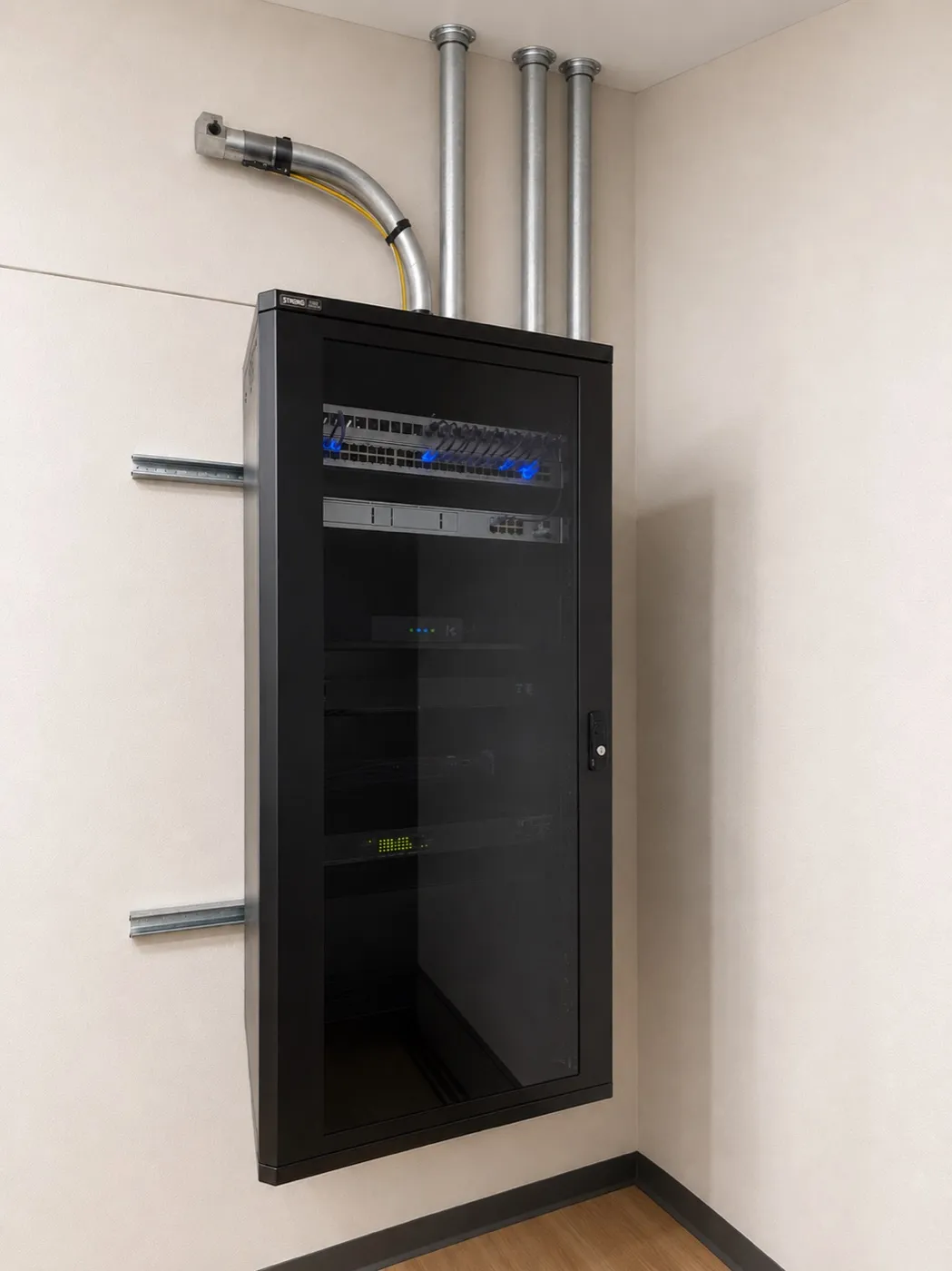
What is included
Professional IT capability without building a department.
It should feel like having an internal technology team that happens to sit somewhere else.
Help desk
Remote troubleshooting for users, software, printers, accounts and connectivity — onsite when remote will not do it.
Endpoint management
Windows and macOS management, inventory, patching, software deployment and health monitoring.
Endpoint security
Centrally managed EDR, DNS and web protection, OS updates, security baselines and alerting.
Identity and accounts
Microsoft 365 and Google Workspace administration, MFA, password management, onboarding and clean offboarding.
Backup
Endpoint and SaaS backup with recovery planning and periodic verification that a restore actually works.
Network management
Firewall, switching, Wi-Fi, segmentation, firmware and monitoring — installed and managed by the same team.
Vendor management
ISPs, phone providers, SaaS and line-of-business software, printers and DNS, so the office manager stops chasing them.
Technology planning
What needs replacement, what risks matter, what can wait, and what it will cost next year.
Onboarding
The first month is documentation work.
We inventory what you actually have before we start changing it. Staged across a few visits so your staff keeps working.
Kickoff visit
Cloud and accounts
Password management
Follow-up
Cybersecurity
Practical and layered, not fear-based.
We are not going to sell you a firewall with a scary slide deck. The unglamorous fundamentals prevent most of what actually happens to businesses this size.
Cloud synchronization is not the same thing as backup, and we will show you the difference before you need it to be true.
Beyond the ticket queue